The brief
A fashion TV channel streams runway shows from the big fashion weeks, by season, city, designer and event. Its Roku app is built by a separate Roku developer; the channel asked us for the Roku content API behind it. The API had to serve the home screen, the browse tabs and the detail pages exactly as the channel’s content plan laid them out: a workbook listing the home rows, the order of seasons and cities, which videos to feature and the quality rules every screen must pass.
There were three constraints. The Roku app was already reading the API, so no response could change its shape. The website home page had to show the same rows as the TV. And video ads were for Roku only, with settings the channel could change without waiting for a new Roku build.
What we built
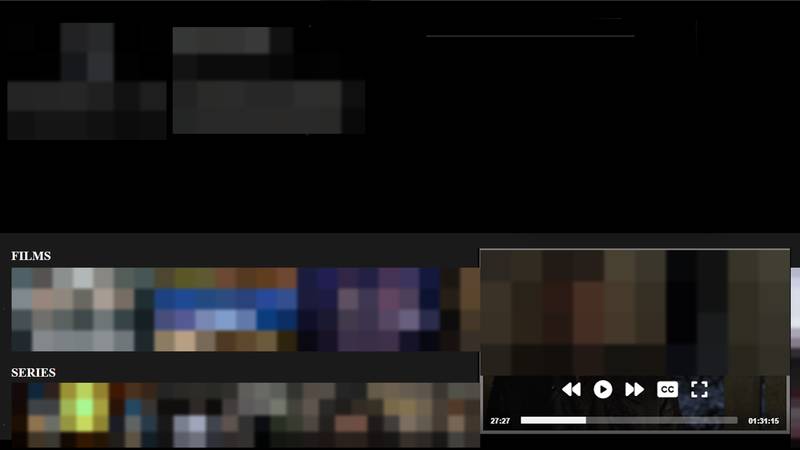
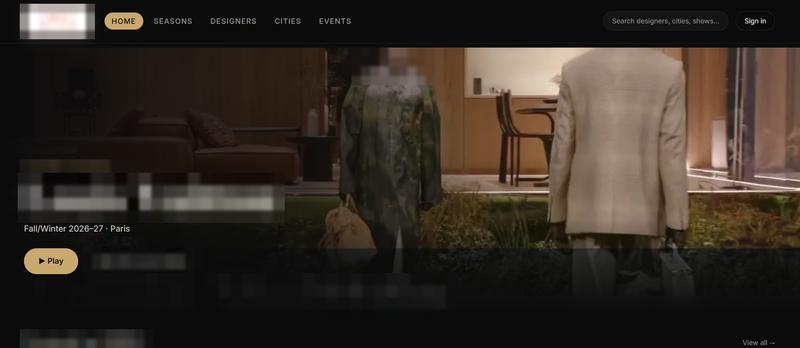
Home rows that follow the content plan. Featured titles first, then rows by season, city, designer and event. A video or designer shown in one row is not repeated in the rows below it, each row stops at 15 items, and a View All endpoint serves the rest. Seasons run newest first and cities follow the channel’s priority list, both set in one place.
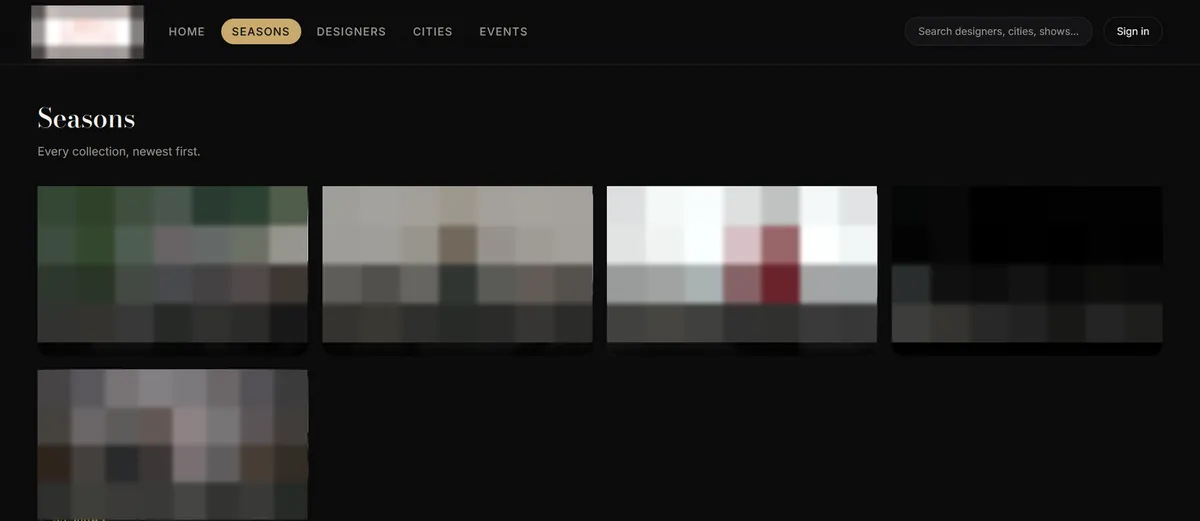
Browse pages. Tabs for seasons, designers from A to Z, city regions and events, season pages with one carousel per city, and city, designer and event pages.
Roku ad settings. An endpoint the Roku app reads before playback: whether ads are on, the VAST tag, whether to play a pre-roll, and the mid-roll interval. We documented the rules for the Roku developer (a break each time playback passes the interval, none in the last 60 seconds) and every macro in the ad tag, with the Roku device call or Roku Advertising Framework value that fills it, including the advertising ID and the viewer’s limit-ad-tracking choice.
The website home page. A new home page with the same tabs, pages and rows as the TV, reading the same endpoints. A single setting switches back to the old home page if the channel ever needs it.
Documentation. A written guide to every endpoint, its parameters and its responses, so the Roku developer works from the document rather than from guesses.
How it works
The site and API run on CodeIgniter 3 with PHP. The content-plan rules live in one library with unit tests, so a change to the plan is a change in one place with tests to show nothing else moved. The endpoints keep the response format the Roku app already parses; new fields were added, none removed or renamed.
The website reads the browse endpoints without the app’s API key, while every other endpoint still requires it. Ad settings are stored on the server, so the channel can turn ads off, change the tag or retime the breaks without a Roku release.
This is the kind of backend work behind most of our OTT platform development projects, and it pairs with our Roku channel development service when a client wants the app built too.
The result
The channel’s Roku developer builds against one documented content API. The home screen and browse pages follow the content plan from the server, without hand-editing rows, and the website home page shows the same programming as the TV. Ads can be switched on, retagged or retimed from the server, with the privacy signals Roku requires already mapped.
If you run a channel on Roku or another TV platform and need the backend, the API or the ad setup, send us your content plan.