The brief
A Spanish-language streaming brand has apps on Samsung and Vizio TVs. It wanted to earn from its Samsung audience with video ads, and it wanted its Vizio app to be easier to use with a remote. Those are two common requests for Samsung and Vizio TV apps, and two different kinds of work.
On Samsung, the app already existed as a compiled web app. Rebuilding it was not on the table, so the ads had to fit around the existing code with as few changes as possible. On Vizio, the live app needed fixes and features: moving between episodes, reading menus aloud for viewers who rely on text-to-speech, and rows of thumbnails that loaded slowly.
What we built
Ad breaks on Samsung. A pre-roll when the viewer presses Watch Now, a mid-roll every 7 minutes of the title, and a post-roll at the end. The rules follow how people actually watch:
- skipping forward over several break points plays one mid-roll, not a stack of them;
- going back does not replay breaks already shown;
- no mid-roll starts in the last minute, because the post-roll follows;
- several ads in one response play in order, labeled “Ad 1 of 2”;
- during an ad only Back works, and leaving the app pauses the ad until the viewer returns.
Ads that never block the show. If the ad server has no ad, fails, or takes more than 8 seconds to answer, the title plays without one. An ad that will not play, or does not start within 10 seconds, is skipped and reported back with the standard VAST error codes.
Tracking ad buyers expect. Impression, start, quartile, complete and error pixels, with wrapper ads followed up to 5 levels deep and their tracking merged in. Every ad request carries the Samsung advertising ID (left out when the viewer limits ad tracking), the TV’s details, the title being played and the US privacy and COPPA signals.
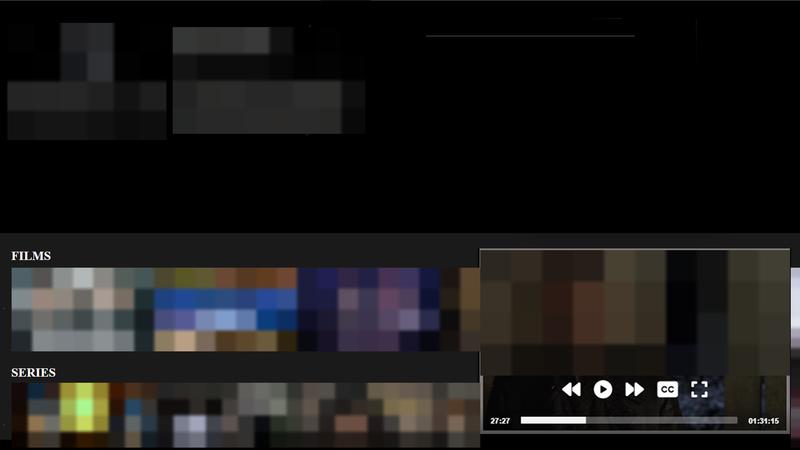
A better Vizio app. Next and Previous episode keys in the player, the right episode opening from any row of a series grid, thumbnails that load as each row scrolls into view, and text-to-speech that waits for the Vizio library before it starts and no longer announces “Paused” when the player closes.
How it works
Many TVs have a single video decoder, so the Samsung app unloads the title while an ad plays and resumes it where it stopped. All of the ad code sits in its own folder, loaded by the app’s start page; apart from that page and the app’s configuration file, the original app is unchanged. The interval, time-outs and ad tag are in one settings file, so retiming breaks or moving to another ad server is a small change.
The Vizio changes are covered by tests that run the app in headless Chrome, so later updates can be checked without a TV on the desk. For a new app on these platforms, see our smart TV app development service; for the backend and catalog behind them, see OTT platform development.
The result
The brand can sell video ads on its Samsung app with the reporting ad buyers ask for, and a failed ad never stops a viewer from watching. On Vizio, viewers move between episodes with the remote, rows fill in as they scroll, and the app reads its menus aloud correctly.
Our OTT app development cost guide covers what adds to the cost of TV apps like these. To add ads or fix an app you already have, tell us what it runs on.